Multi-Vendor Retail
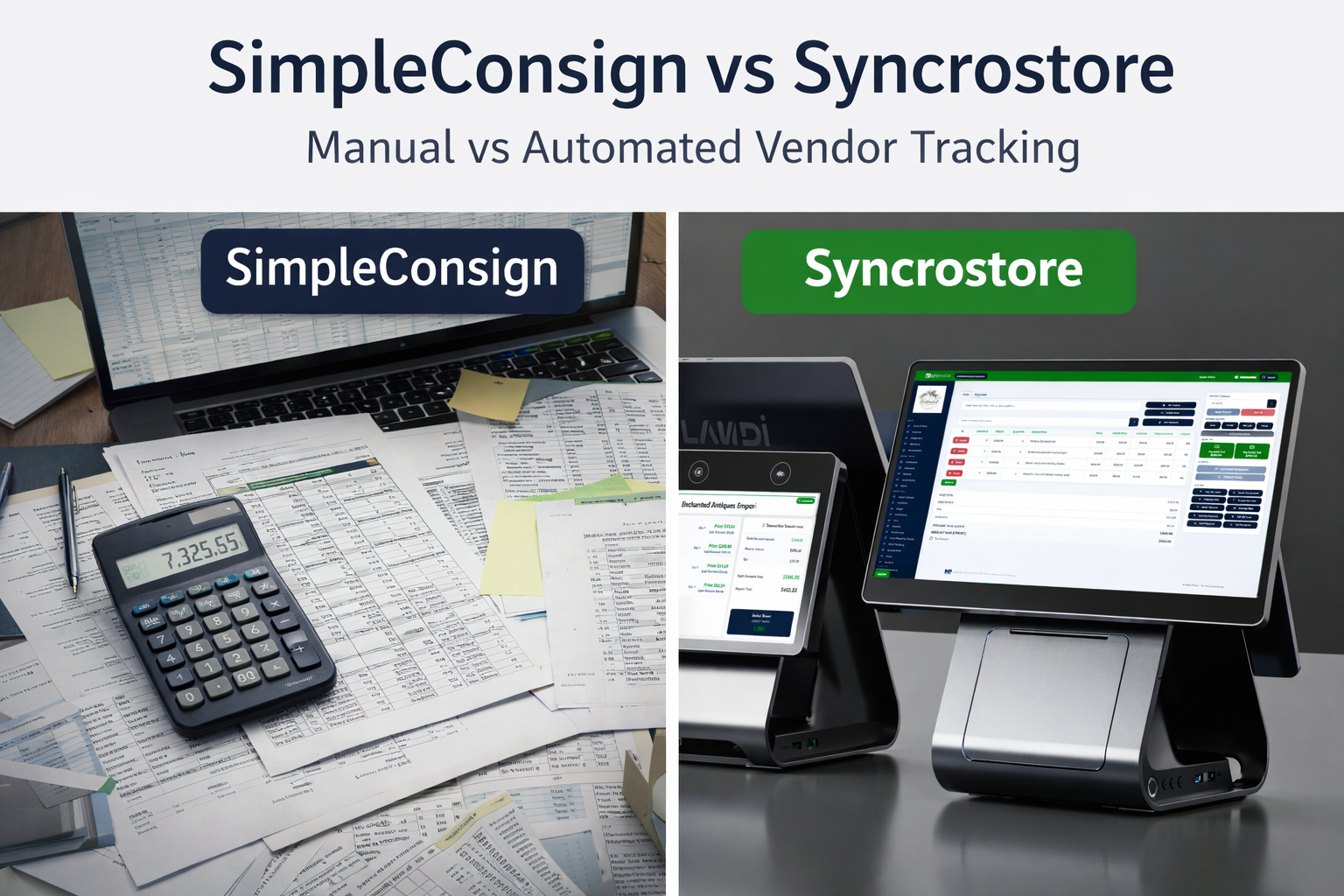

If you run a consignment store, antique mall, or any kind of multi-vendor retail shop, two names show up almost every time you start shopping for a point-of-sale system: Syncrostore and SimpleConsign. They both target the same world — stores with booth rent, commission splits, consignor payouts, and vendors who want to see their own numbers. But once you look past the landing-page feature lists, the two platforms behave very differently in the places that actually determine whether your staff loves the software or hates it.
This comparison is grounded in two things: (1) the current published features and pricing from Syncrostore and SimpleConsign, and (2) first-hand input from a ten-year SimpleConsign operator who ran more than 60 locations — someone whose IT team effectively spent its days routing around SimpleConsign’s gaps. That combination matters, because the gaps you’ll hit on day 400 of using a POS aren’t visible in a 30-minute demo.
We’ll cover pricing (including what’s really included at each tier), vendor and consignor management, Shopify and online selling, reporting, rent and payouts, multi-location inventory, support, and label printing. At the end, you’ll know which platform actually fits your store — and which specific problems are likely to push you to switch if you’re already on one.
| Area | Syncrostore (Consignment Pro) | SimpleConsign |
|---|---|---|
| Starting price | $199.99/month with SyncroPay™ + Vendor Choice Pricing; $329.99/month software-only — no per-vendor software fees | $159/month (Basic) up to ~$359/month (Professional) |
| Per-vendor fees | None on the software | Historically charged per vendor in some configurations |
| Online selling / marketplace | TrinketVault™ built into the platform, no separate subscription | Shopify integration — per-store only, locked to Pro tier |
| Rent carry-forward month-to-month | Native — rent deducts from the vendor's running balance and rolls forward | Historically treats each month as a new invoice |
| Vendors in several stores | Each store sets up its own vendor logins; sales, balances, and statements are kept per store | Separate login context per location; vendor ID didn’t always correlate across stores |
| Multi-location ledger model | Per-store ledgers, combined settlements across stores (one payout per vendor), and cross-store inventory transfers (Enterprise plan) | Per-store silos with vendor/SKU mismatches between locations |
| AI intake | SyncroAI™ — photos, barcodes, UPC | Image-based AI intake |
| Live collectibles pricing | PriceCharting live data (TCG, games, comics, collectibles) | Not built in |
| Store maps / sales heat | Dynamic Store Mapping in 2D and 3D, shaded by sales | Not available |
| Vendor support model | Vendors' software questions go to Syncrostore support, not the store owner | Vendors historically routed back to the store owner |
| Label printing | Integrated printing to supported iDPRT label printers | Historically limited models, 2 sizes, Windows-only |
| Best for | Antique malls, multi-vendor stores, collectible-heavy shops, growing operators | Traditional single-location consignment boutiques |
Short version: If you’re running a traditional single-location consignment boutique with a small number of consignors and no online ambition, SimpleConsign Basic can work. For multi-vendor stores, online selling, or any plan to scale, Syncrostore addresses a list of specific pain points that operators running SimpleConsign at scale consistently describe, and does it at a lower total cost once you price in the Shopify tier and the administrative labor SimpleConsign tends to require.
SimpleConsign sells in tiers. Basic starts around $159/month, and plans climb to roughly $359/month for Professional, with premium/multi-location configurations higher. The features most modern consignment stores actually need are spread across those tiers:
If Shopify matters to you, the real SimpleConsign cost is the Professional tier, not the Basic sticker. For a large chain, that number compounds fast. One operator who ran more than 60 SimpleConsign locations put their monthly bill at roughly $22,000/month — around $350 per location, with no multi-location discount and no ACH option for paying the bill itself. Reconciling those charges took two to three days of internal IT time every single month because the billing side wasn’t organized around multi-location customers.
Syncrostore lists current pricing and included features on the pricing page:
Additional registers are $19.99/month each (one included). No per-vendor software fees. Several buildings on one set of books run on the custom Enterprise plan.
If you’re a typical single-location antique mall or consignment shop that needs online selling, full vendor management, and real analytics, the honest comparison is Syncrostore Consignment Pro at $199.99/month with SyncroPay™ + Vendor Choice Pricing, or $329.99/month software-only, versus SimpleConsign Professional at ~$359/month.
This is the single most common complaint we hear from stores on SimpleConsign at any meaningful scale. Operators who have lived inside the system for years describe it consistently:
SimpleConsign’s Shopify integration is per-store, not per-vendor. Vendors who want to sell their own inventory online have to manage it in two places, and when an item sells on Shopify, someone has to manually mark it sold inside SimpleConsign and pull it off the shelf.
That is the actual workflow for most vendors running a SimpleConsign store with Shopify. It leads to oversells, confused customers, resentful vendors, and staff time that should have been spent on sales.
Syncrostore has its own marketplace, TrinketVault™, built into the platform with no separate subscription. It runs off the same inventory as the store:
The practical effect is that a vendor’s stock in your store can be sold online without a second system to keep in sync. That’s the capability the operator quoted above spent years trying to build on top of SimpleConsign, and ultimately couldn’t.
Two things about SimpleConsign’s rent handling come up over and over from long-tenured operators:
Add to that the fact that vendors could, in some configurations, change their own rent amount to $0 in the back office — a control gap that required manual audit every month.
Syncrostore’s Rent & Commissions module was designed around exactly this shape of problem:
The structural win over SimpleConsign isn’t “one magic combined balance.” It’s that each store’s ledger is actually correct on its own, and each vendor can read their own itemized statement for every store they sell in — so the paperwork behind a 3-store vendor doesn’t turn into 3 separate customer-service problems.
Operators describe the multi-location experience as painful:
Operators running several buildings do it on Syncrostore’s Enterprise plan, which is set up around the tradeoff most multi-location shops actually want:
For chains — or even a two-location shop — this is the difference between “we sort of have two stores” and “we run two stores as one business.”
Reporting is where the most quoted pain from long-tenured SimpleConsign operators lives: the back-office database and the vendor-facing view drift apart. Sales don’t match inventory. SKUs don’t align between the admin side and the vendor side. Pulling a manual sales report can take 10–30 minutes, and the number you need is often not one you can get without exporting to a spreadsheet and massaging it yourself.
When a shop owner — or worse, a vendor — can’t trust the report, they stop using the system as a source of truth and start keeping their own spreadsheet. Once that happens, the POS has already lost.
Syncrostore’s reporting is built around vendor-based retail specifically:
Because reporting, inventory, settlements, and payouts share the same records, there’s no “the admin database says one thing, the vendor portal says another” problem to chase.
This one often surprises store owners evaluating a switch. On SimpleConsign, vendors historically could not contact SimpleConsign support directly. One long-time operator recalled being told, roughly, “you’re too big — we can’t handle support tickets for your vendors; you have to take care of them.”
The result: the store owner’s team became a SimpleConsign help desk. One operator estimated that 60–90 percent of internal support tickets were actually SimpleConsign issues in disguise — login problems, rent math, sales not matching inventory, payouts not arriving, SKU mismatches. Every one of those is time the store owner pays for.
On Syncrostore, vendors’ software questions go to Syncrostore’s support team, not to the store owner.
Label printing sounds boring until your intake line is backed up because the printer software only runs on one machine. On SimpleConsign historically:
Syncrostore prints labels to the supported iDPRT label printers listed on the hardware page, and the knowledge base walks through integrated printing setup. Checks print from the same settlement run as ACH payouts.
SimpleConsign’s AI intake feature can auto-populate inventory fields from an image. That’s useful for general merchandise. But for stores selling trading cards, video games, comics, or collectibles, where the price moves weekly, you still have to look up comps yourself.
Syncrostore’s SyncroAI™ covers photo, barcode, and UPC intake and pulls live PriceCharting data for:
The practical effect: a stack of cards gets priced against current comps at intake, with fewer “I priced this at $5, it was worth $50” mistakes. That’s vendor trust, protected.
A few more items that matter more than they sound:
Most stores that outgrow SimpleConsign do so because one of four things becomes untenable: (1) Shopify at the vendor level becomes non-optional, (2) reporting stops being trustworthy, (3) rent carry-forward and multi-location reconciliation bury the admin team in spreadsheets, or (4) vendor support costs the store owner more time than the software saves.
At the entry tier, SimpleConsign Basic ($159/month) is less than Syncrostore Consignment Pro at $199.99/month with SyncroPay™ + Vendor Choice Pricing. But the features most stores need (vendor management, online selling, rent automation, and label printing) live at SimpleConsign’s Professional tier near $359/month. Syncrostore is $199.99/month with SyncroPay™ + Vendor Choice Pricing, or $329.99/month software-only.
TrinketVault™ gives you an online marketplace that runs off the same inventory as your store, with no double entry. If you’re coming from Shopify, Syncrostore imports Shopify inventory directly, including variants.
Each store sets up its own vendors, so a vendor in several stores gets a login from each one. On a single-store plan, each store sets up and settles its own vendors. Operators running several buildings on the Enterprise plan keep a ledger per store but combine settlements: the vendor gets one deposit or check, with anything owed in one store netted against sales in another. Enterprise also adds cross-store inventory transfers.
Yes. Vendors’ software questions go to Syncrostore’s support team through the knowledge base and support tickets, not to the store owner. This is structurally different from how SimpleConsign has historically handled vendor support.
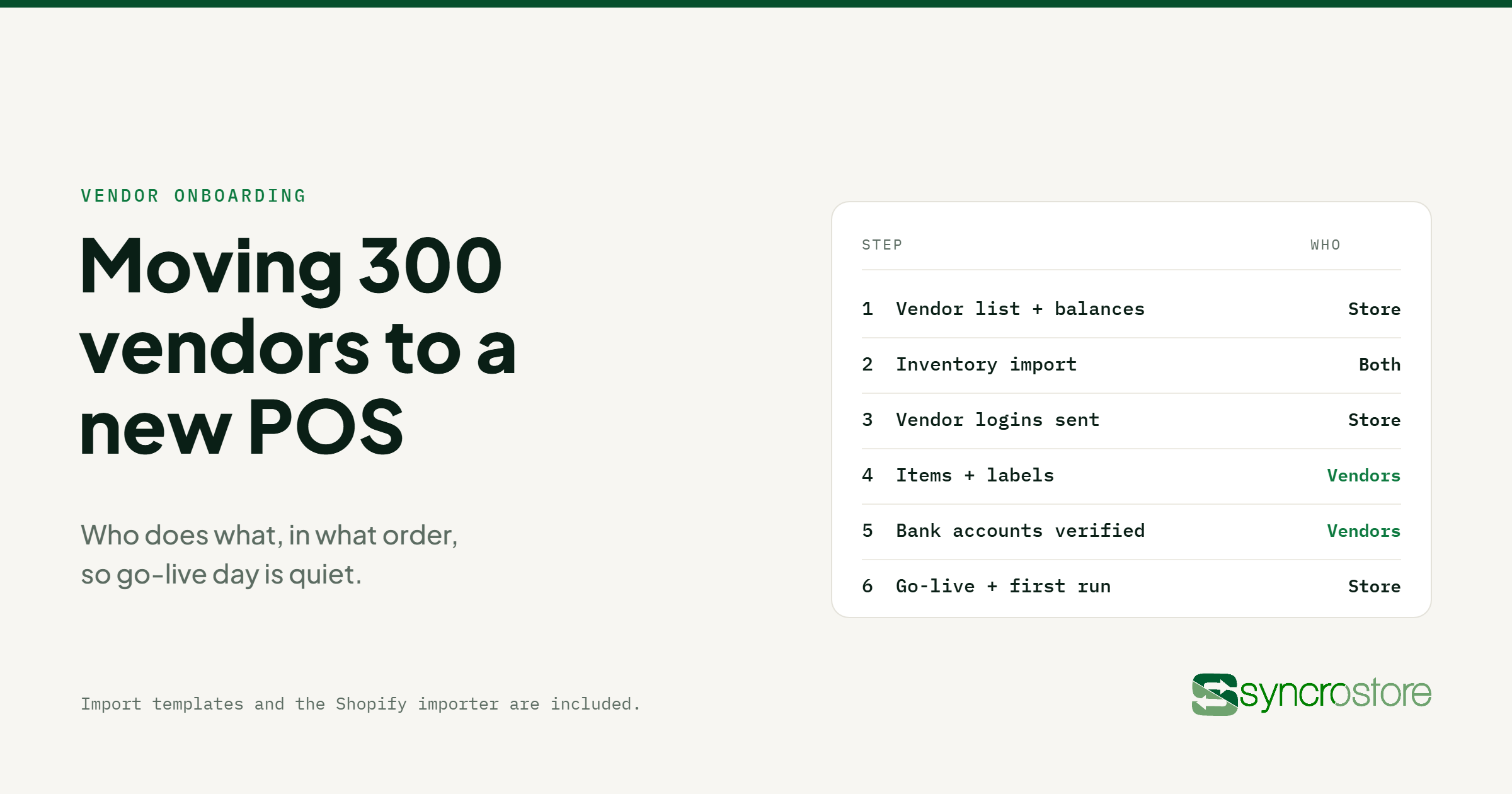
Yes, and data migration is included. Syncrostore imports inventory, vendors, store spaces, and vendor balances, with import tools for both store owners and vendors. Walk through the plan for your store on a demo.
They’re all legitimate SimpleConsign alternatives depending on your shape. ConsignCloud is lighter-weight for growing boutiques. Ricochet emphasizes a mobile consignor app. Quail and GoAntiquing target antique malls, and Syncrostore has a head-to-head comparison with GoAntiquing!. Of this group, Syncrostore is generally the strongest fit for stores that are multi-vendor or collectible-heavy.
SimpleConsign has been in this market a long time and earned a reputation along the way. For a small, stable, single-location consignment boutique, it can still do the job, especially at the Basic tier. The issue is that very few consignment stores stay in that shape. Vendors get added. Online selling becomes non-optional. Locations multiply. Reporting questions get harder. And at each of those inflection points, the long-time operators we talk to describe the same pattern: SimpleConsign either gates the fix behind a higher tier or leaves the work to your team.
Syncrostore is built for where those stores are actually heading — multi-vendor, online-and-in-store, with vendors supported directly and a ledger you can trust. Published pricing, no per-vendor software fees, and a marketplace you don’t have to bolt on.
If you want to see it work, the fastest decision-maker is a 30-minute demo. Bring the three problems your current POS makes painful — the ones that cost you staff time every week — and see Syncrostore handle them in the live software.

The operating system for multi-vendor retail — consignment shops, antique malls, thrift stores, and vendor markets.
Book a demo© 2022–2026 MP Software LLC. Syncrostore™, SyncroAI™, SyncroPay™, SyncroACH™, Syncrosites™, TrinketVault™ are trademarks of MP Software LLC. All Rights Reserved.
Emergency support only, call (888) 707-4916 — transaction-blocking outages only. All other requests via the support portal.