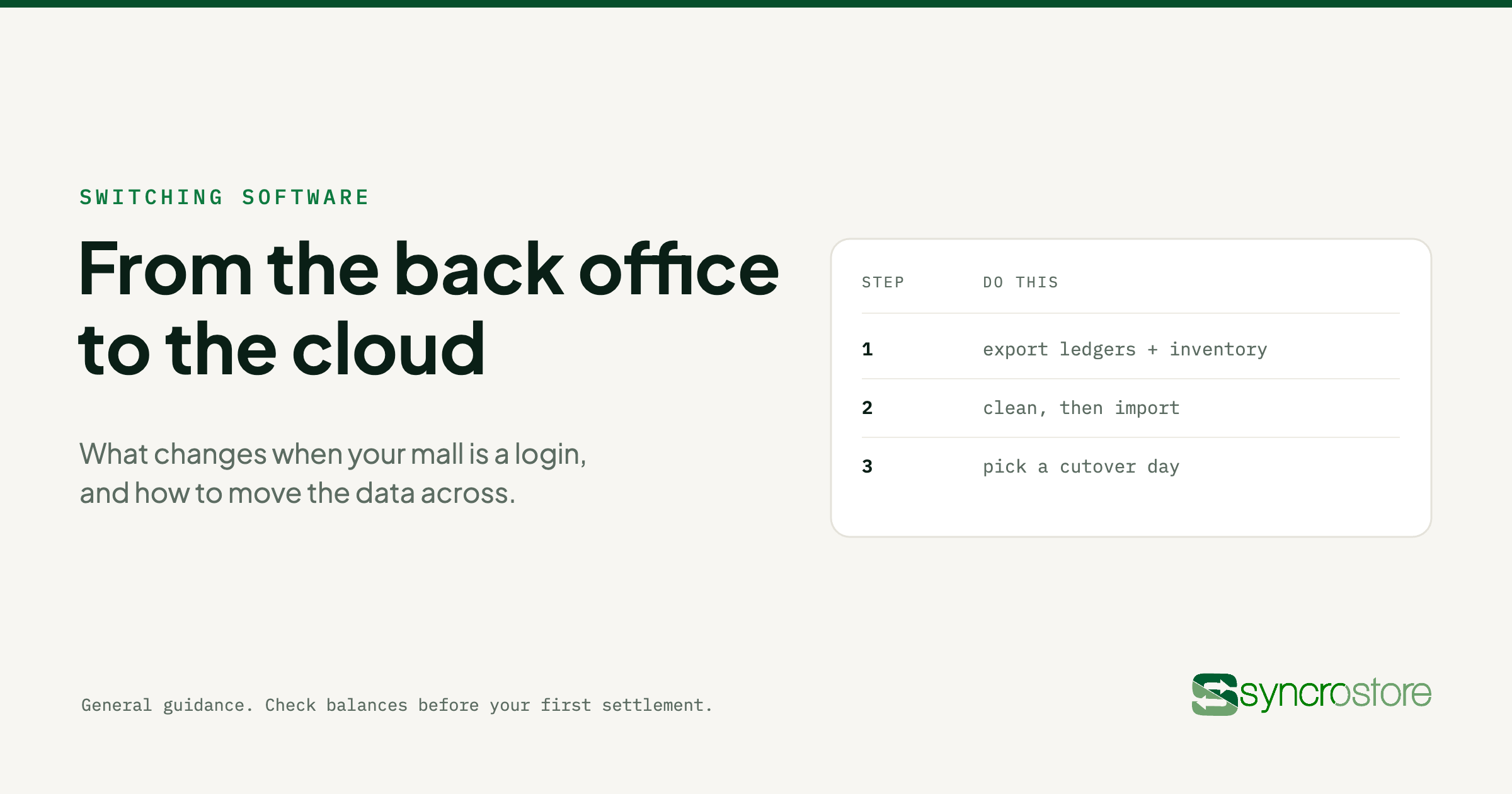
Short answer: moving an antique mall from desktop software to the cloud turns your store into a login instead of a PC in the back office. The move itself comes down to a few steps: get your data out of the old system, clean it, import your vendors, inventory and open balances, pick a cutover day, and check balances before your first settlement. Most of the work is in the data.
See it in Syncrostore. Syncrostore runs antique malls in the cloud, with booth rent, vendor ledgers and settlements built in. See the antique mall POS →
What changes when the software isn't on a desk
Desktop POS software runs on computers inside your building. That made sense when it was built, and plenty of malls still run well on it. But it ties the store to the machine.
With cloud software, the store opens in a browser on whatever you're holding. That changes a few everyday things:
- You can see the store from home. Yesterday's sales on a Sunday morning, without driving in.
- Registers aren't tied to one PC. A laptop, a tablet or a phone can do the job.
- A second building runs on the same system instead of a separate installation.
- Backups are handled for you instead of being one more thing to remember.
- Vendors can check their own numbers without asking someone to print a report.
Signs it's time to move
It's usually time to look when one of these starts costing you time:
- The only way to see today's numbers is to sit at the office computer.
- That computer is getting old, and nobody wants to find out what happens when it fails.
- Adding a register or a second building means another installation and another license.
- Vendors keep calling to ask about their sales and balances.
- Backups depend on someone remembering to run them.
If two or more sound familiar, start with step 1 below.
Step 1: Find out how your data comes out
Before you sign anything, ask your current software provider how your vendor ledgers and inventory come out, and in what format. A provider that can't answer that clearly is telling you something.
You'll want, at minimum:
- Your vendor list, with contact details, booth assignments and rates
- Your inventory export
- Every vendor's open balance on switch day
It's also worth asking what happens to your license if you ever sell the mall. Some desktop licenses don't transfer to a new owner.
Step 2: Clean the data before you import it
Messy data in the old system comes right along into the new one. Before you import anything, remove vendors who have left, merge duplicate records, fill in missing emails and check that each vendor's rent and commission terms match their agreement.
This is the step stores most often rush, and it's the one that decides how smooth the first month feels.
Step 3: Pick a cutover day
A store runs one POS on the sales floor, so pick a clear day to switch. Choose a quiet day, ideally right after a settlement cycle closes, so every vendor starts in the new system with a clean, known balance.
Tell vendors the date ahead of time, and tell them what changes for them: a new login, and where to find their statements.
Step 4: Check balances on day one
On go-live day, compare a sample of imported vendor balances against the old system, and ring a test sale for a few vendors to confirm each line lands on the right ledger. Then review the first settlement carefully before you approve it.
Questions to ask any cloud provider
| Ask | Why it matters |
| How do I see yesterday's sales from home? | This is the main reason to move. Ask to see it live. |
| What does a second register cost, and a second building? | Per-station and per-location pricing grow differently from a single subscription. |
| What do my vendors get, and is it billed separately? | Some systems charge per vendor for their own login. |
| How does my data get in, and who helps? | Import tools and a walkthrough save days of retyping. |
| How would I get my data out later? | The answer tells you how the provider treats your business. |
How Syncrostore handles the move
Syncrostore™ opens in a browser on a laptop, a tablet or a phone, so there's no back-office machine to depend on. Every vendor gets a portal with their own live ledger, balance and statements, at no extra charge. A new register is a line on your subscription, and the Enterprise plan runs several buildings on one set of books with consolidated reporting. Your data lives on managed infrastructure, with backups handled as part of the service.
Data migration is included. Larger migration projects are billed at an hourly rate. Import templates for vendors, inventory and open balances are included, and we walk you through the first run on a call. You pick the go-live date, and we're with you that day.
If you run GoAntiquing! POS today, the Syncrostore vs. GoAntiquing! comparison covers the differences side by side. For the vendor side of a switch, see how to move hundreds of vendors to a new POS.
Frequently asked questions
Is cloud POS better than desktop POS for an antique mall?
For most malls that want to check the store remotely, add registers or open a second building, yes. A mall that runs from one office PC and never needs access from elsewhere may be fine where it is.
Will I lose my vendor balances when I switch?
You shouldn't. Export every vendor's open balance on switch day and import it into the new system, then check a sample against the old one before your first settlement.
Is data migration included with Syncrostore?
Yes. Data migration is included, and only larger migration projects are billed, at an hourly rate.
Do my vendors need to do anything?
They'll get a new login to see their sales, balance and statements. Tell them the cutover date ahead of time so the first statement in the new system isn't a surprise.
Want to see your store on your phone? Book a 30-minute demo and open the live software on whatever you have in your hand.